

본문 바로가기

전용 서버

장비 한 대를 온전히 여러분에게.

완전한 root 권한과 원하는 Linux 배포판, 무료로 제공되는 Hestia 제어판을 갖춘 베어메탈 성능 — 설치비도 없습니다.

$149.99

월 요금

32 GB

RAM

100 TB

500 Mbps 기준 전송량

$0

설치 비용

요금제

베어메탈 전용 서버

기업급 하드웨어를 합리적인 가격에, 바로 쓸 수 있는 상태로 전달합니다.

Xeon E-2274G

A whole machine to yourself

$149.99/mo

renews at the same price · billed annually

CPU
Xeon E-2274G · 4c/8t
RAM
32 GB
Storage
2×4 TB HDD or 2×960 GB NVMe
Bandwidth
100 TB/mo @ 500 Mbps
  • Full root access
  • Hestia control panel included
  • AlmaLinux 9 (other distros on request)
  • 1 dedicated IPv4
  • Free migration from shared hosting
  • No setup fee
서버 주문하기
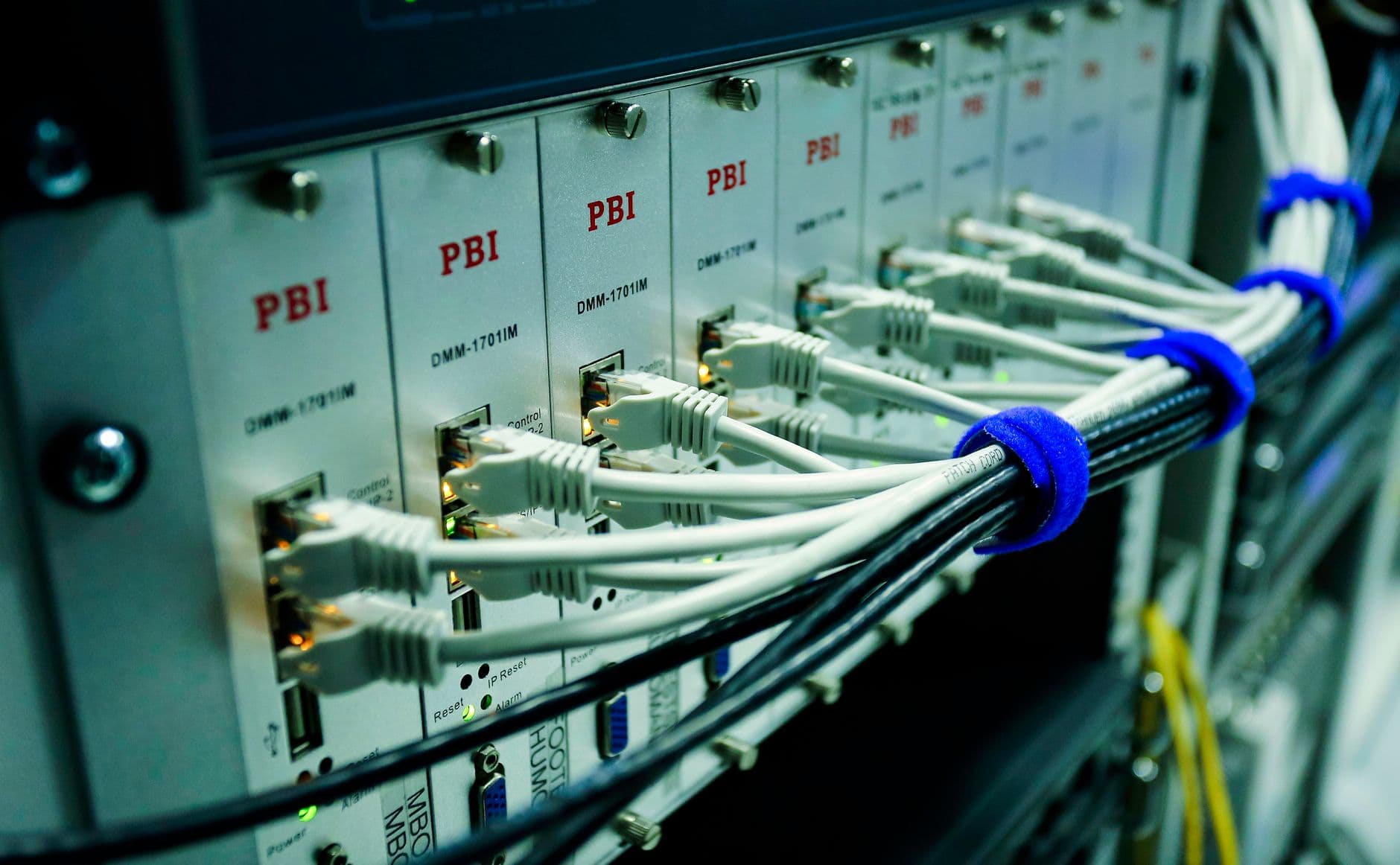
Dedicated server hardware in a rack

하드웨어

기업급 Xeon 하드웨어를 통째로

전용 서버는 다른 누구도 함께 쓰지 않는 물리 장비 한 대를 뜻합니다. 모든 코어와 모든 RAM, 모든 트래픽이 오직 여러분 것입니다.

  • Intel Xeon E-2274G, 4코어/8스레드
  • 32 GB RAM
  • NVMe 또는 HDD 스토리지
  • 500 Mbps 포트, 월 100 TB

내부 구성

제공되는 사양

기본은 AlmaLinux 9이며 요청 시 다른 배포판도 가능합니다. cPanel은 별도 라이선스로 이용할 수 있습니다.

Xeon 전용 서버의 하드웨어 사양과 RAM 구성

Intel Xeon E-2274G

4코어 / 8스레드의 전용 연산 자원 — 이웃도, 시끄러운 사용자도 없습니다.

32 GB RAM

바쁜 데이터베이스와 게임 서버, 다수의 컨테이너를 감당할 넉넉한 여유.

HDD 또는 NVMe

대용량 저장이 필요하면 2×4 TB HDD를, 속도가 필요하면 2×960 GB NVMe를 결제 시 선택하세요.

100 TB 트래픽

500 Mbps 포트에 넉넉한 전송량이 더해져, 계량기를 보지 않고도 스트리밍하고 동기화하고 제공할 수 있습니다.

Global web hosting data center network

제어

완전한 root 권한, 무료 제어판

첫날부터 root 권한을 드리며, 무료 Hestia 제어판이 미리 설치되어 있어 원하지 않는 한 명령줄을 건드리지 않고도 사이트와 이메일, DNS를 관리할 수 있습니다.

  • 완전한 root 접근
  • 무료 Hestia 제어판
  • 모든 Linux 배포판 지원
  • 요청 시 cPanel 이용 가능

전용 서버를 택하는 이유

공유 호스팅이나 VPS로는 부족할 때

함께 쓰는 사용자가 없는 격리된 전용 서버 랙

완전한 root 권한

무료 Hestia 패널이 미리 설치된 상태로 장비 전체를 완전히 제어하세요.

격리와 보안

함께 쓰는 사용자가 없다는 것은 예측 가능한 성능과 좁아진 공격 표면을 뜻합니다.

관리되는 플랫폼

운영체제는 여러분이 다루고, 하드웨어와 네트워크, 데이터센터는 저희가 24시간 책임집니다.

이런 용도로

베어메탈이 빛나는 자리

베어메탈에서 돌아가는 데이터베이스 서버와 게임 서버 워크로드

무거운 데이터베이스

대규모 MySQL과 PostgreSQL, 분석 워크로드를 위한 전용 CPU와 RAM.

게임 서버

멀티플레이 게임 커뮤니티를 위한 저지연 고프레임 호스팅.

고트래픽 사이트

공유 호스팅이나 VPS의 상한 없이 수백만 건의 요청을 처리하세요.

이용 방법

주문에서 root 접속까지

서버 준비 및 root 로그인 설정 과정
1

서버를 주문하세요

결제 시 스토리지 종류와 운영체제를 고르세요. 설치비는 언제나 없습니다.

2

저희가 준비합니다

베어메탈 서버를 설치해 보통 24시간 이내에 전달해 드립니다.

3

완전히 제어하세요

root로 로그인해 원하는 스택을 배포하고, 여러분의 장비에서 무엇이든 돌리세요.

기본 제공

패키지에 담긴 모든 것

  • Intel Xeon E-2274G (4코어/8스레드)
  • 32 GB DDR RAM
  • 2×4 TB HDD 또는 2×960 GB NVMe
  • 500 Mbps 기준 월 100 TB
  • 전용 IPv4 주소 1개
  • 완전한 root 권한
  • 무료 Hestia 제어판
  • AlmaLinux 9 (또는 원하는 배포판)
  • 공유 호스팅에서 무료 이전
  • 설치 비용 없음 + 24/7 지원
Free website migration between hosting providers

무료 이전

공유 호스팅이 좁아지셨나요? 저희가 옮겨 드립니다

이미 저희와 함께하시고 한 단계 올라갈 준비가 되셨나요? 공유 호스팅에서 새 전용 서버로 사이트를 무료로 이전해 드리므로 업그레이드가 번거롭지 않습니다.

  • 저희 공유 요금제에서 무료 이전
  • 사이트, 데이터베이스, 이메일
  • 저희 팀이 직접 처리
  • 최소한의 다운타임

FAQ

전용 서버 자주 묻는 질문

Is the server managed or unmanaged?

It's self-managed with full root access, which is what keeps a dedicated server this affordable and gives you total control over the software stack. You decide what's installed, how it's configured and when it's updated. To take the pain out of that, every server ships with the free Hestia control panel pre-installed, so you get a clean web interface for websites, email, DNS and databases from the first boot rather than starting at a bare command line. Our team's responsibility is the foundation underneath your operating system: the physical hardware, the network, power and connectivity, and platform-level issues, all monitored and supported 24/7. Day-to-day operating-system administration — securing your apps, managing users, tuning services — is yours, though our support will still help with common tasks and point you in the right direction. If you'd rather not manage the OS at all, a control panel like cPanel automates most of it.

Which operating systems can I run?

AlmaLinux 9 is the default, and it's an excellent choice for most workloads: it's a stable, free, enterprise-grade Linux that's binary-compatible with Red Hat Enterprise Linux, so software and documentation written for RHEL or CentOS works without modification. If you prefer something else, other major Linux distributions — such as Ubuntu LTS, Debian or Rocky Linux — are available on request, and because you have full root access you can configure the OS however your applications need. On the control-panel side, the free Hestia panel comes pre-installed, but you can run the server panel-free if you like managing services directly, or add cPanel with its own licence if that's the environment you and your clients know best. Tell us your preferred OS and panel when you order and we'll hand the server over ready to go, so you're not reinstalling from scratch on day one.

How long does provisioning take?

Dedicated servers are typically provisioned and handed over within 24 hours of payment clearing — often sooner — rather than the instant setup you'd get with shared hosting, because real hardware is being prepared for you specifically. When we hand it over it's not a blank box: it arrives fully installed with your chosen operating system and control panel, network-configured and ready to accept your first login, so you can get straight to deploying rather than waiting on installs. If you have particular requirements — a specific OS, partition layout or panel — telling us at the point of order lets us build it that way from the start. Should anything about the initial build not match what you asked for, our team sorts it out as part of onboarding. From there, hardware, network and platform support continue around the clock for the life of the server.

나만의 장비를 가지세요.

24시간 이내에 설치를 마쳐 바로 쓸 수 있게 전달하며, 저희 공유 호스팅에서의 이전은 무료입니다.

서버 주문하기

The Full Picture

Renting a dedicated server is the point where a project stops sharing anything with anyone else — no neighbouring accounts, no noisy tenants, no CPU steal from someone else's traffic spike. It's the natural next step once a VPS starts to feel like a ceiling rather than a home.

Because the machine is bare metal, the performance ceiling is the hardware itself, not a hypervisor's allocation rules. That makes capacity planning simpler: what the spec sheet says is what you actually get, every hour of every day.

Deep Dives

The details behind the promises

Backups, SSL and security on a machine you control

Root access means you decide the backup schedule, but it doesn't mean you're left to build one from scratch — daily backups are available so a bad deploy or a corrupted table doesn't cost you a rebuild from nothing.

A free auto-renewing SSL certificate keeps traffic encrypted without a manual renewal task landing on a calendar every 90 days, and because the box isn't shared, patching and hardening decisions are entirely yours to schedule around your own maintenance windows.

Network, uptime and the datacentre behind the box

The 500 Mbps port and 100 TB monthly transfer sit on a network built for consistent throughput rather than best-effort sharing, so backups, large file transfers and media delivery don't compete against anyone else's spike.

Behind the hardware is a datacentre with redundant power and network paths and 24/7 human support watching the physical layer, so the parts of hosting that have nothing to do with your application — power, cooling, cabling — stay someone else's problem.

Licensing and control panel choices beyond the free default

The free Hestia panel handles day-to-day site, email and DNS management without a licence fee, which keeps the monthly cost predictable for teams that don't need every enterprise feature.

Teams standardised on a cPanel-style workflow with 1-click installers can add that licence at checkout instead, so the migration from shared or VPS hosting doesn't force a change in tooling just because the hardware changed.

Scaling a fleet, not just a single box

One dedicated server is rarely the end state for a growing application — a common pattern is a database box paired with one or more application servers, or a primary machine with a second held in reserve for failover.

Because provisioning is typically same-day and there's no setup fee, adding a second or third server to an existing account is a checkout decision rather than a procurement cycle, and our team can help plan the split before hardware is ordered.

30-day money-back guarantee on hosting

A 30-day guarantee, even on bare metal

Committing to a physical machine feels like a bigger decision than spinning up a VPS, so the same 30-day money-back guarantee that covers our shared and VPS plans applies here too.

If the hardware, network or support experience isn't what was expected in the first month, that's a refund conversation, not a contract you're stuck in.

  • 30-day money-back guarantee
  • No long-term contract required
  • 24/7 human support, not just tickets
  • Free managed migration onto the box

More Reasons

Built to help you grow

Daily backups available

Schedule daily backups on your dedicated server so a bad deploy is a restore, not a rebuild.

Free auto-renewing SSL

Certificates renew themselves automatically, so encrypted traffic never depends on a manual reminder.

cPanel-style option

Add a cPanel-style panel with 1-click installers at checkout if that's your team's preferred workflow.

24/7 human support

Real people are reachable around the clock for hardware, network or configuration questions.

30-day guarantee

Try the server for a full month with a money-back guarantee behind the decision.

Fleet-friendly billing

Add a second or third dedicated server to the same account as your workload grows, with no setup fee each time.

Getting Started

How to get going

1

Plan the split

Decide whether one server covers everything or a database box and app box make more sense.

2

Set the backup schedule

Turn on daily backups and confirm your SSL certificate before pointing production traffic at the box.

3

Grow the fleet as needed

Order additional dedicated servers on the same account whenever the next bottleneck shows up.

Good To Know

What's covered

  • Daily backups configured
  • Free auto-renewing SSL installed
  • Control panel choice made (Hestia or cPanel-style)
  • Backup restore tested at least once
  • 24/7 support contact saved for emergencies
  • 30-day guarantee window noted
  • Second server planned if load requires it
  • Billing currency confirmed via geo-currency display

More FAQ

More questions, answered

Are backups included on a dedicated server?

Daily backups are available so you can recover from a bad deploy or data issue without rebuilding the server from scratch. Because you have full root access, you can also run your own backup tooling in parallel if your workload needs a custom schedule or off-site copy.

Does the SSL certificate need to be renewed manually?

No — the free SSL certificate included with hosting auto-renews, so certificates don't expire quietly and break HTTPS. This applies whether you're running the free Hestia panel or a cPanel-style setup on the box.

Can I add cPanel to my dedicated server instead of Hestia?

Yes, a cPanel-style control panel with 1-click installers can be added at checkout for teams that prefer that workflow over the free Hestia panel. Both give you a graphical way to manage sites, databases, email and DNS without needing the command line for routine tasks.

What happens if I outgrow a single dedicated server?

Most growing applications eventually split across more than one machine — for example a dedicated database server alongside one or more application servers. Provisioning is typically handled within 24 hours and there's no setup fee, so adding another server to your account is a quick checkout step, not a lengthy procurement process.

Is there a money-back guarantee on dedicated servers?

Yes, dedicated servers are covered by the same 30-day money-back guarantee as our other plans. If the hardware or support experience doesn't work out in the first month, you can request a refund rather than being locked into a longer commitment.

Which currency am I billed in for a dedicated server?

Pricing displays in your local currency automatically via geo-currency detection, though the underlying plan is quoted in USD starting from $149.99/mo. Your invoices and checkout will show the converted amount before you confirm the order.