


跳转到主要内容

独立服务器

一整台机器,全归你用。

物理机性能,完整 root 权限,Linux 发行版任选,还免费附送 Hestia 控制面板——不收安装费。

$149.99

每月

32 GB

内存

100 TB

500 Mbps 端口流量

$0

安装费

套餐

物理机独立服务器

企业级硬件,便宜主机的价格,交付即可上手。

Xeon E-2274G

A whole machine to yourself

$149.99/mo

renews at the same price · billed annually

CPU
Xeon E-2274G · 4c/8t
RAM
32 GB
Storage
2×4 TB HDD or 2×960 GB NVMe
Bandwidth
100 TB/mo @ 500 Mbps
  • Full root access
  • Hestia control panel included
  • AlmaLinux 9 (other distros on request)
  • 1 dedicated IPv4
  • Free migration from shared hosting
  • No setup fee
订购服务器
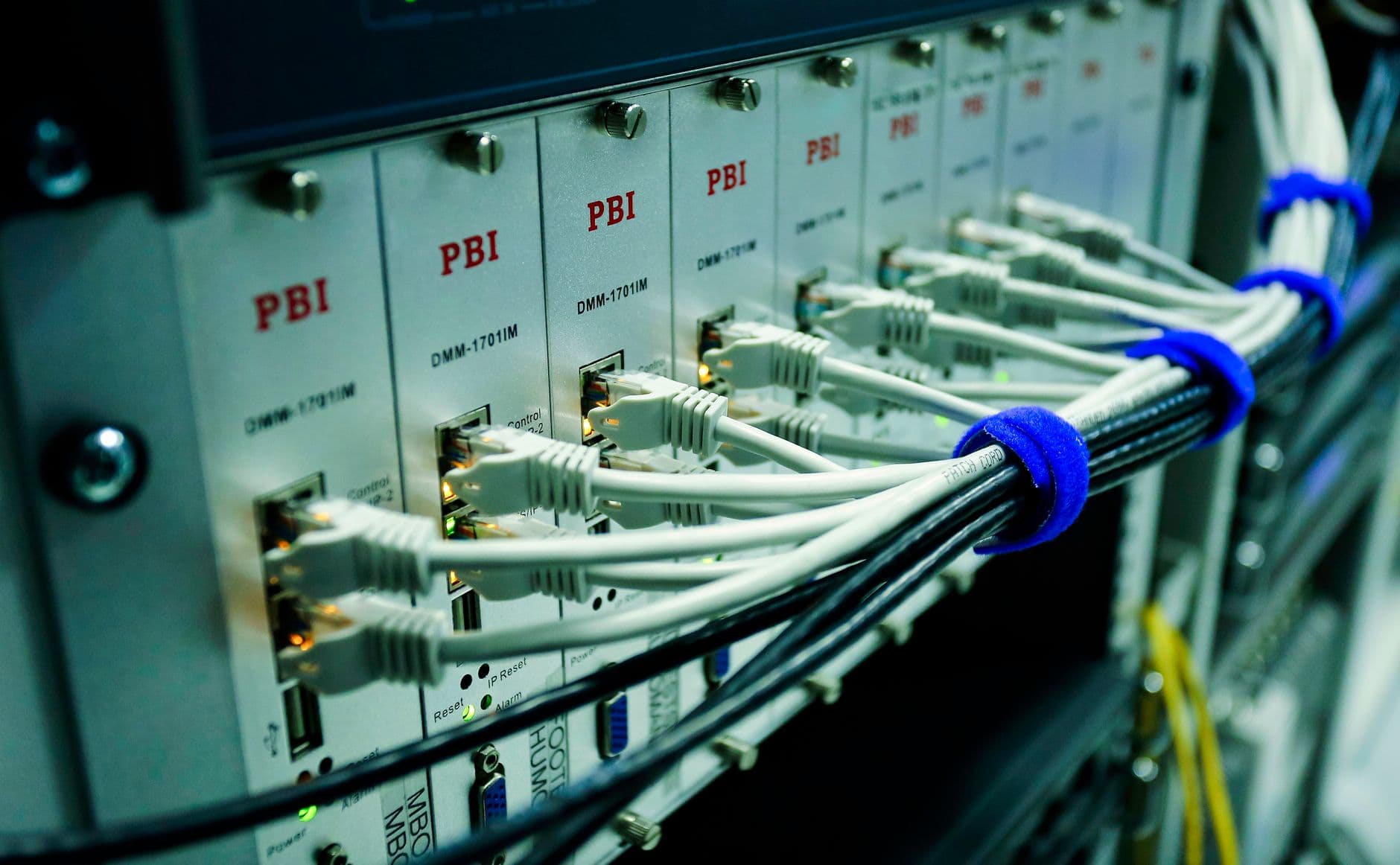
Dedicated server hardware in a rack

硬件

企业级 Xeon 硬件,只服务你一个人

独立服务器意味着一整台物理机上只有你一个用户。每一颗核心、每一 GB 内存和全部带宽,都只属于你。

  • Intel Xeon E-2274G,4 核 8 线程
  • 32 GB 内存
  • NVMe 或 HDD 存储
  • 500 Mbps 端口,每月 100 TB

底层配置

你能拿到什么

默认 AlmaLinux 9,其他发行版可按需安装。可使用 cPanel,授权需自备。

Xeon 独立服务器的硬件规格与内存配置

Intel Xeon E-2274G

4 核 / 8 线程独享算力——永远没有邻居,也不会有人抢资源。

32 GB 内存

繁忙的数据库、游戏服务器或一整批容器,都有充足余量。

HDD 或 NVMe

下单时可选 2×4 TB HDD 存放大容量数据,或 2×960 GB NVMe 追求极致速度。

100 TB 流量

500 Mbps 端口搭配充裕流量,推流、同步、分发都不用盯着流量表。

Global web hosting data center network

掌控权

完整 root,免费控制面板

从第一天起你就是 root,机器预装免费的 Hestia 控制面板,网站、邮箱和 DNS 都能可视化管理,除非你自己更喜欢用命令行。

  • 完整 root 权限
  • 免费 Hestia 控制面板
  • 任意 Linux 发行版
  • 可按需提供 cPanel

为什么选独立服务器

当共享主机或 VPS 已经不够用

没有共享租户的独立服务器机柜

完整 root 权限

整台机器由你完全掌控,并已预装免费的 Hestia 面板。

隔离且安全

没有共享租户,性能可预期,受攻击面也更小。

平台由我们运维

系统归你掌控;硬件、网络和机房由我们 24/7 负责。

适合谁用

物理机天生为这些场景而生

运行在物理机上的数据库与游戏服务器负载

重负载数据库

独享 CPU 与内存,从容应对大型 MySQL、PostgreSQL 或分析类负载。

游戏服务器

低延迟、高帧率,为多人游戏社区提供稳定的服务端。

高流量网站

轻松扛住数百万次请求,不再受共享主机或 VPS 的天花板限制。

使用流程

从下单到拿到 root

服务器开通与 root 登录设置流程
1

下单选配置

结账时挑好存储类型和操作系统——永远不收安装费。

2

我们负责开通

物理服务器装机完成后交付给你,通常在 24 小时内。

3

拿到完整控制权

用 root 登录,部署你的技术栈,在自己的机器上想跑什么就跑什么。

包含内容

开箱即有的全部配置

  • Intel Xeon E-2274G(4 核 8 线程)
  • 32 GB DDR 内存
  • 2×4 TB HDD 或 2×960 GB NVMe
  • 每月 100 TB @ 500 Mbps
  • 1 个独立 IPv4 地址
  • 完整 root 权限
  • 免费 Hestia 控制面板
  • AlmaLinux 9(或你指定的发行版)
  • 从共享主机免费迁移
  • 不收安装费 + 24/7 技术支持
Free website migration between hosting providers

免费迁移

共享主机不够用了?我们帮你搬

已经在我们这里托管,准备更上一层楼?我们免费把你的网站从共享主机迁到新的独立服务器上,升级过程毫无负担。

  • 从我们的共享套餐免费迁移
  • 网站、数据库和邮箱一起搬
  • 全程由我们的团队操作
  • 停机时间极短

常见问题

独立服务器常见问题

Is the server managed or unmanaged?

It's self-managed with full root access, which is what keeps a dedicated server this affordable and gives you total control over the software stack. You decide what's installed, how it's configured and when it's updated. To take the pain out of that, every server ships with the free Hestia control panel pre-installed, so you get a clean web interface for websites, email, DNS and databases from the first boot rather than starting at a bare command line. Our team's responsibility is the foundation underneath your operating system: the physical hardware, the network, power and connectivity, and platform-level issues, all monitored and supported 24/7. Day-to-day operating-system administration — securing your apps, managing users, tuning services — is yours, though our support will still help with common tasks and point you in the right direction. If you'd rather not manage the OS at all, a control panel like cPanel automates most of it.

Which operating systems can I run?

AlmaLinux 9 is the default, and it's an excellent choice for most workloads: it's a stable, free, enterprise-grade Linux that's binary-compatible with Red Hat Enterprise Linux, so software and documentation written for RHEL or CentOS works without modification. If you prefer something else, other major Linux distributions — such as Ubuntu LTS, Debian or Rocky Linux — are available on request, and because you have full root access you can configure the OS however your applications need. On the control-panel side, the free Hestia panel comes pre-installed, but you can run the server panel-free if you like managing services directly, or add cPanel with its own licence if that's the environment you and your clients know best. Tell us your preferred OS and panel when you order and we'll hand the server over ready to go, so you're not reinstalling from scratch on day one.

How long does provisioning take?

Dedicated servers are typically provisioned and handed over within 24 hours of payment clearing — often sooner — rather than the instant setup you'd get with shared hosting, because real hardware is being prepared for you specifically. When we hand it over it's not a blank box: it arrives fully installed with your chosen operating system and control panel, network-configured and ready to accept your first login, so you can get straight to deploying rather than waiting on installs. If you have particular requirements — a specific OS, partition layout or panel — telling us at the point of order lets us build it that way from the start. Should anything about the initial build not match what you asked for, our team sorts it out as part of onboarding. From there, hardware, network and platform support continue around the clock for the life of the server.

把这台机器收入囊中。

24 小时内装好交付,开机即用——还包含从我们共享主机的免费迁移。

订购你的服务器

The Full Picture

Renting a dedicated server is the point where a project stops sharing anything with anyone else — no neighbouring accounts, no noisy tenants, no CPU steal from someone else's traffic spike. It's the natural next step once a VPS starts to feel like a ceiling rather than a home.

Because the machine is bare metal, the performance ceiling is the hardware itself, not a hypervisor's allocation rules. That makes capacity planning simpler: what the spec sheet says is what you actually get, every hour of every day.

Deep Dives

The details behind the promises

Backups, SSL and security on a machine you control

Root access means you decide the backup schedule, but it doesn't mean you're left to build one from scratch — daily backups are available so a bad deploy or a corrupted table doesn't cost you a rebuild from nothing.

A free auto-renewing SSL certificate keeps traffic encrypted without a manual renewal task landing on a calendar every 90 days, and because the box isn't shared, patching and hardening decisions are entirely yours to schedule around your own maintenance windows.

Network, uptime and the datacentre behind the box

The 500 Mbps port and 100 TB monthly transfer sit on a network built for consistent throughput rather than best-effort sharing, so backups, large file transfers and media delivery don't compete against anyone else's spike.

Behind the hardware is a datacentre with redundant power and network paths and 24/7 human support watching the physical layer, so the parts of hosting that have nothing to do with your application — power, cooling, cabling — stay someone else's problem.

Licensing and control panel choices beyond the free default

The free Hestia panel handles day-to-day site, email and DNS management without a licence fee, which keeps the monthly cost predictable for teams that don't need every enterprise feature.

Teams standardised on a cPanel-style workflow with 1-click installers can add that licence at checkout instead, so the migration from shared or VPS hosting doesn't force a change in tooling just because the hardware changed.

Scaling a fleet, not just a single box

One dedicated server is rarely the end state for a growing application — a common pattern is a database box paired with one or more application servers, or a primary machine with a second held in reserve for failover.

Because provisioning is typically same-day and there's no setup fee, adding a second or third server to an existing account is a checkout decision rather than a procurement cycle, and our team can help plan the split before hardware is ordered.

30-day money-back guarantee on hosting

A 30-day guarantee, even on bare metal

Committing to a physical machine feels like a bigger decision than spinning up a VPS, so the same 30-day money-back guarantee that covers our shared and VPS plans applies here too.

If the hardware, network or support experience isn't what was expected in the first month, that's a refund conversation, not a contract you're stuck in.

  • 30-day money-back guarantee
  • No long-term contract required
  • 24/7 human support, not just tickets
  • Free managed migration onto the box

More Reasons

Built to help you grow

Daily backups available

Schedule daily backups on your dedicated server so a bad deploy is a restore, not a rebuild.

Free auto-renewing SSL

Certificates renew themselves automatically, so encrypted traffic never depends on a manual reminder.

cPanel-style option

Add a cPanel-style panel with 1-click installers at checkout if that's your team's preferred workflow.

24/7 human support

Real people are reachable around the clock for hardware, network or configuration questions.

30-day guarantee

Try the server for a full month with a money-back guarantee behind the decision.

Fleet-friendly billing

Add a second or third dedicated server to the same account as your workload grows, with no setup fee each time.

Getting Started

How to get going

1

Plan the split

Decide whether one server covers everything or a database box and app box make more sense.

2

Set the backup schedule

Turn on daily backups and confirm your SSL certificate before pointing production traffic at the box.

3

Grow the fleet as needed

Order additional dedicated servers on the same account whenever the next bottleneck shows up.

Good To Know

What's covered

  • Daily backups configured
  • Free auto-renewing SSL installed
  • Control panel choice made (Hestia or cPanel-style)
  • Backup restore tested at least once
  • 24/7 support contact saved for emergencies
  • 30-day guarantee window noted
  • Second server planned if load requires it
  • Billing currency confirmed via geo-currency display

More FAQ

More questions, answered

Are backups included on a dedicated server?

Daily backups are available so you can recover from a bad deploy or data issue without rebuilding the server from scratch. Because you have full root access, you can also run your own backup tooling in parallel if your workload needs a custom schedule or off-site copy.

Does the SSL certificate need to be renewed manually?

No — the free SSL certificate included with hosting auto-renews, so certificates don't expire quietly and break HTTPS. This applies whether you're running the free Hestia panel or a cPanel-style setup on the box.

Can I add cPanel to my dedicated server instead of Hestia?

Yes, a cPanel-style control panel with 1-click installers can be added at checkout for teams that prefer that workflow over the free Hestia panel. Both give you a graphical way to manage sites, databases, email and DNS without needing the command line for routine tasks.

What happens if I outgrow a single dedicated server?

Most growing applications eventually split across more than one machine — for example a dedicated database server alongside one or more application servers. Provisioning is typically handled within 24 hours and there's no setup fee, so adding another server to your account is a quick checkout step, not a lengthy procurement process.

Is there a money-back guarantee on dedicated servers?

Yes, dedicated servers are covered by the same 30-day money-back guarantee as our other plans. If the hardware or support experience doesn't work out in the first month, you can request a refund rather than being locked into a longer commitment.

Which currency am I billed in for a dedicated server?

Pricing displays in your local currency automatically via geo-currency detection, though the underlying plan is quoted in USD starting from $149.99/mo. Your invoices and checkout will show the converted amount before you confirm the order.